From your phone
The Android app sends every SMS as it arrives; iPhones forward through a Shortcuts automation.
Welcome
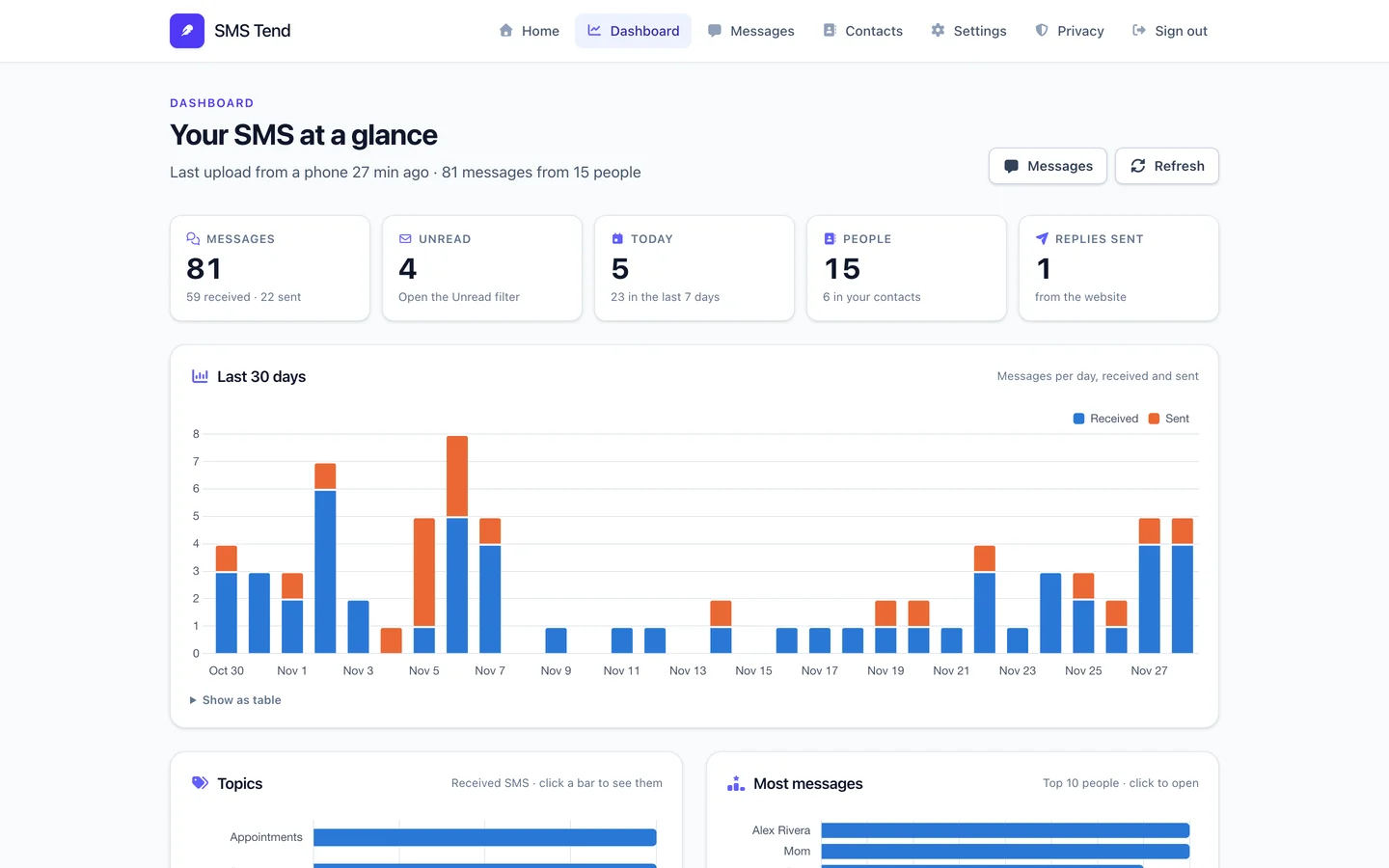
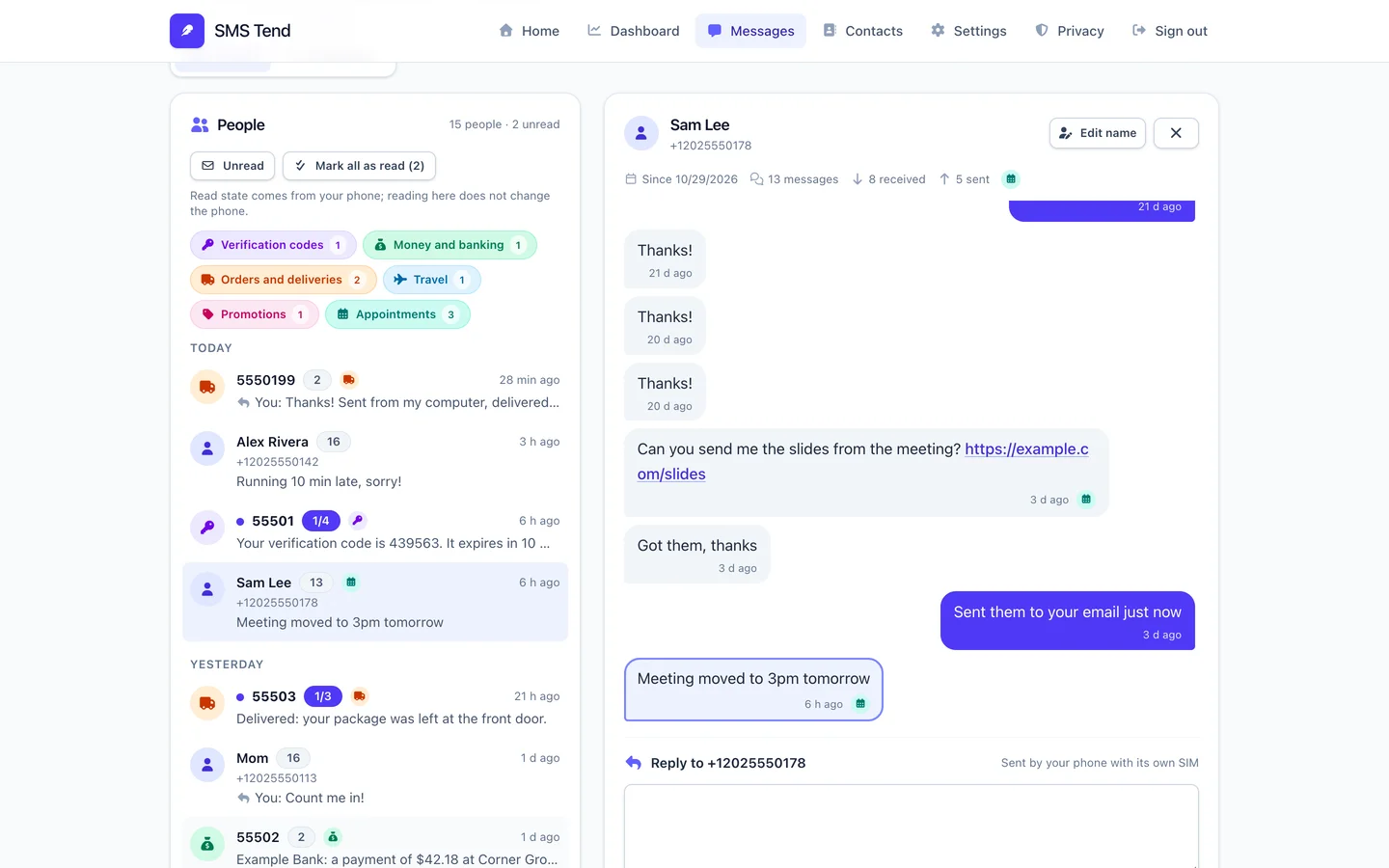
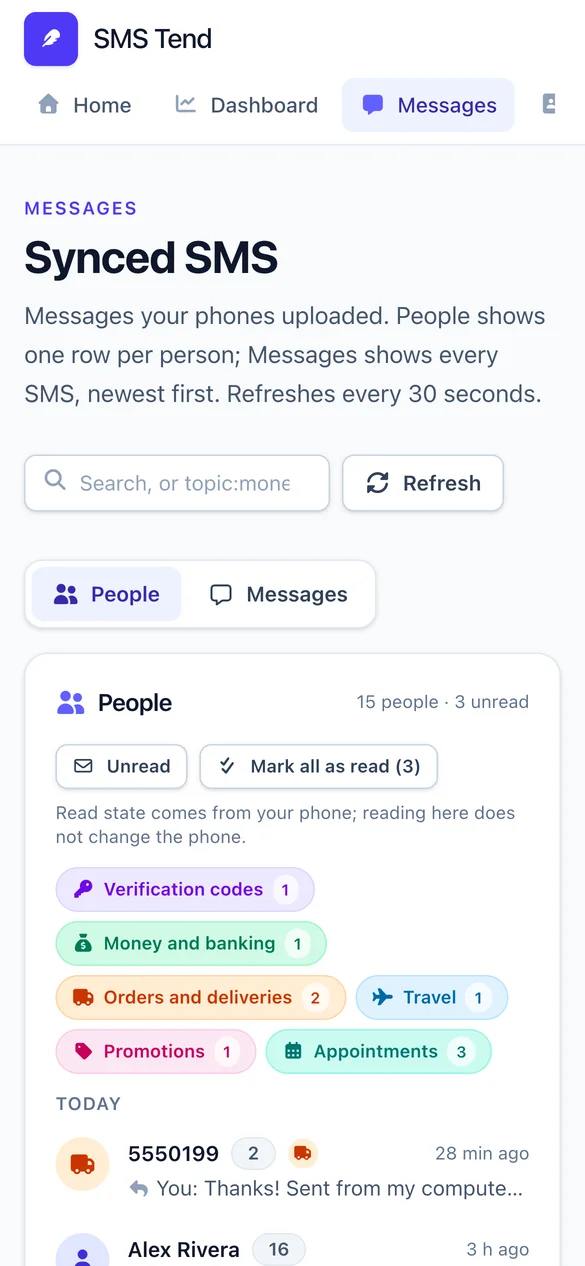
Your phone’s SMS on a website you run yourself: read, search and reply from any browser. This site is a demo with made-up messages.
Your messages belong on your own server: a small VPS (Ubuntu or Debian) and a domain are enough. About 15 minutes.
sms.example.com → your server’s IP. Open ports 80 and 443.curl -fsSL https://raw.githubusercontent.com/scyllarusllc/sms-tend/main/website/deploy/install.sh | sudo bash -s -- --domain sms.example.comRun the same command again to update. Add --dry-run to only see what it would do. Docker, other setups and troubleshooting:
self-hosting guide ·
source code
The Android app sends every SMS as it arrives; iPhones forward through a Shortcuts automation.
One administrator account. Phones use their own token and cannot sign in.
Messages stay in one SQLite file on your own server.
The website with made-up demo messages.